

Under NDA
eLearning Platform
The eLearning Platform is a tutoring marketplace that makes learning accessible to students, regardless of age, level, or budget.
Location
Industry
Services
Technologies
Project Overview
Project Goals
The eLearning platform is a solution that allows teachers, tutors, and students to try a new study format or earn additional income.
Various professionals can share their knowledge and skills and make money from it. This is a tutoring marketplace with easy access for all types of users, helping them get the most out of studying with a helpful platform.
Scope of Work
We were involved in the project from the start, participating in each significant process within full-cycle software development.
Our clients had a clear understanding of what they wanted to achieve and provided us with detailed requirements and a desired design. So, our software developers were responsible for the tech stack, IT architecture, and infrastructure creation, covering both front-end and back-end, as well as quality assurance and brief post-launch maintenance.
Challenges & Solutions
Vetting process
Pricing models
Communication options
Thinking about a similar solution?
Let's Chat!Solutions & Features
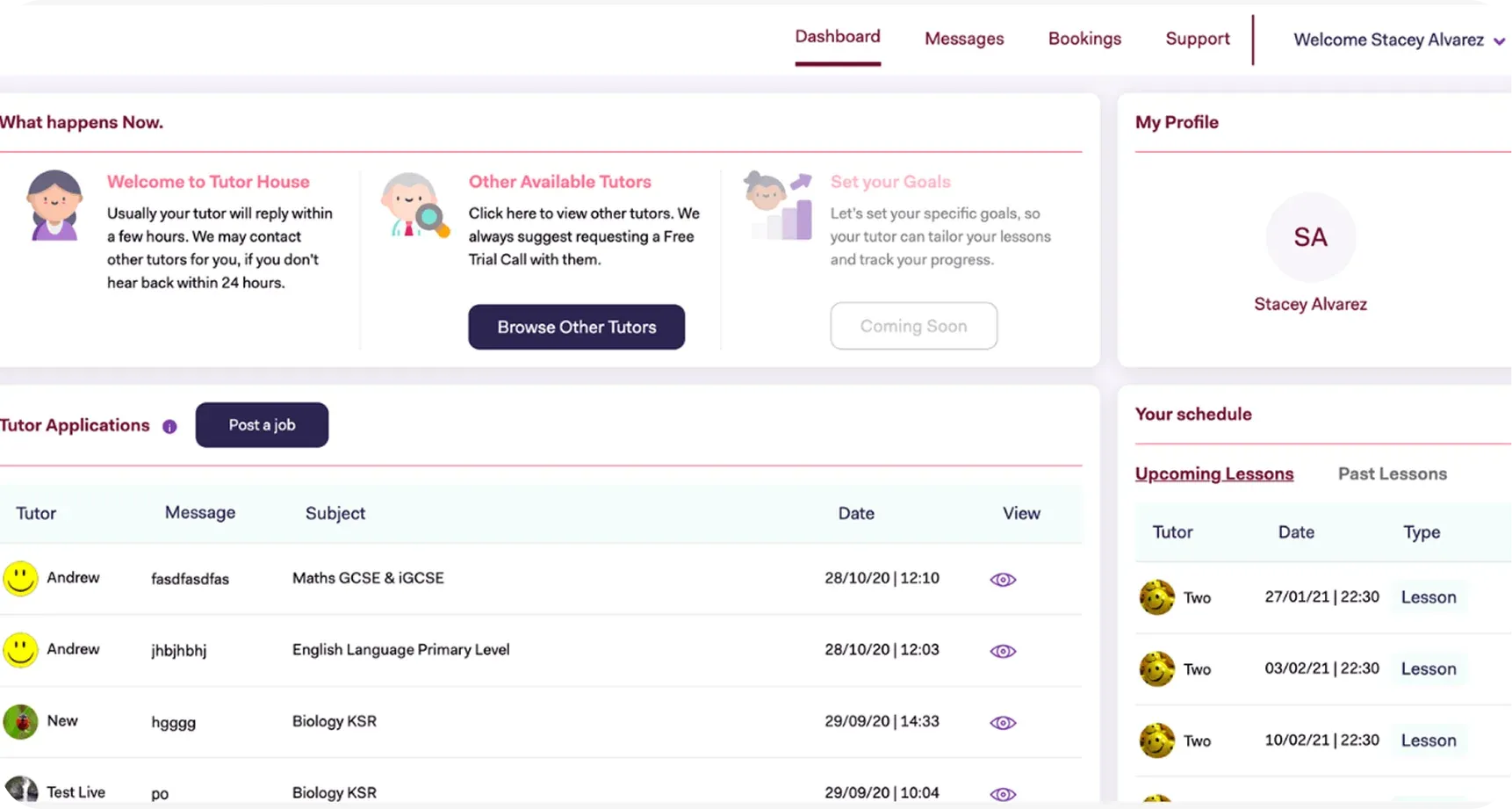
Functional Dashboard
Besides the information about the platform and its advantages, the first page includes a dashboard that simplifies site navigation as much as possible. Categories are divided into subcategories, and you can jump to the one you need right from the home page. Links for the best teachers rating, FAQ, quick registration, and social network buttons are conveniently located at the bottom.
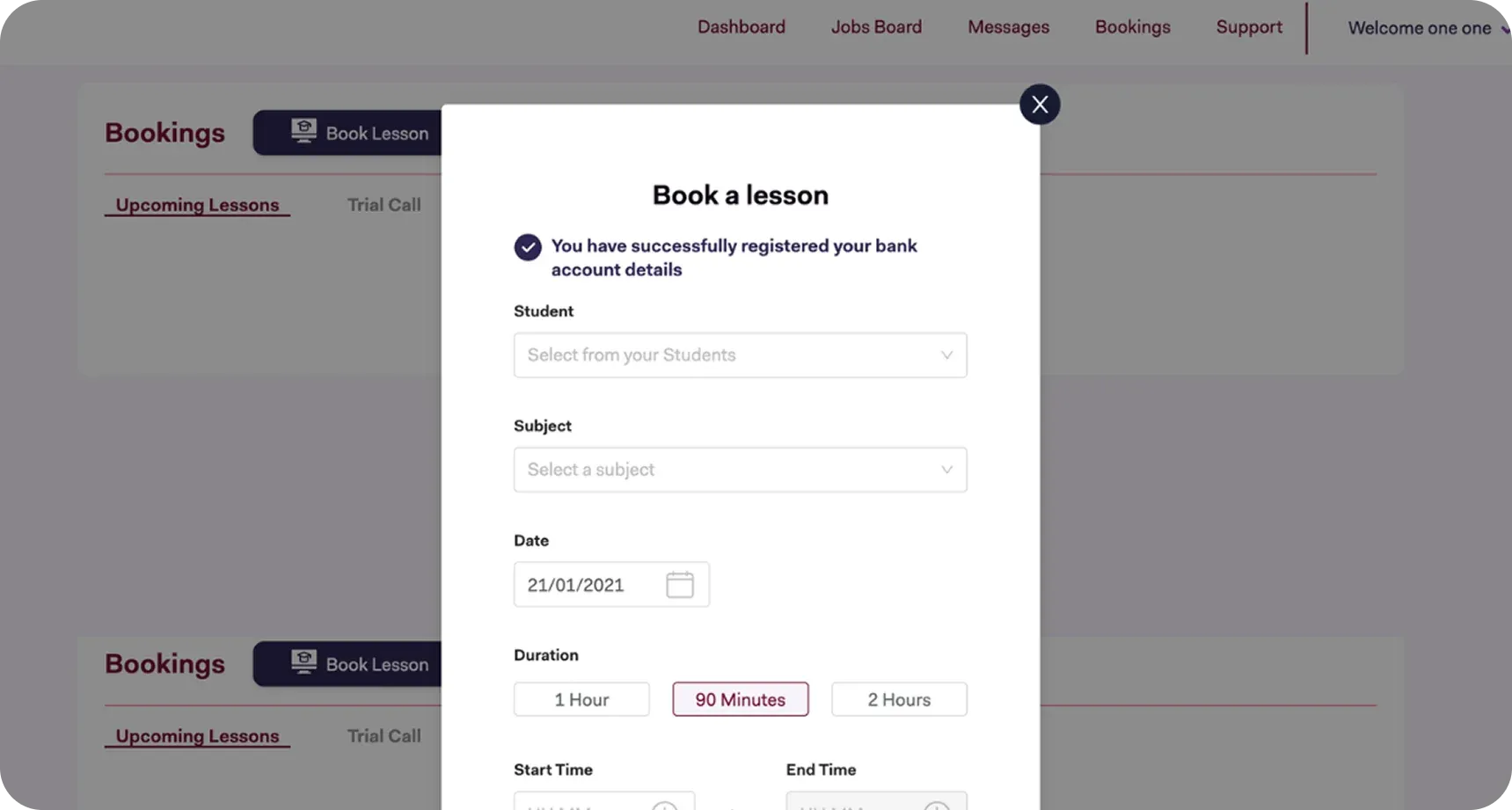
Simple Connection
The eLearning Platform offers three ways to contact support specialists for information about the platform: an instant call, a call at a specific time in the future, or a real-time chat. Communication with the chosen teacher occurs directly in the chat, where you can discuss all the details and the learning process.
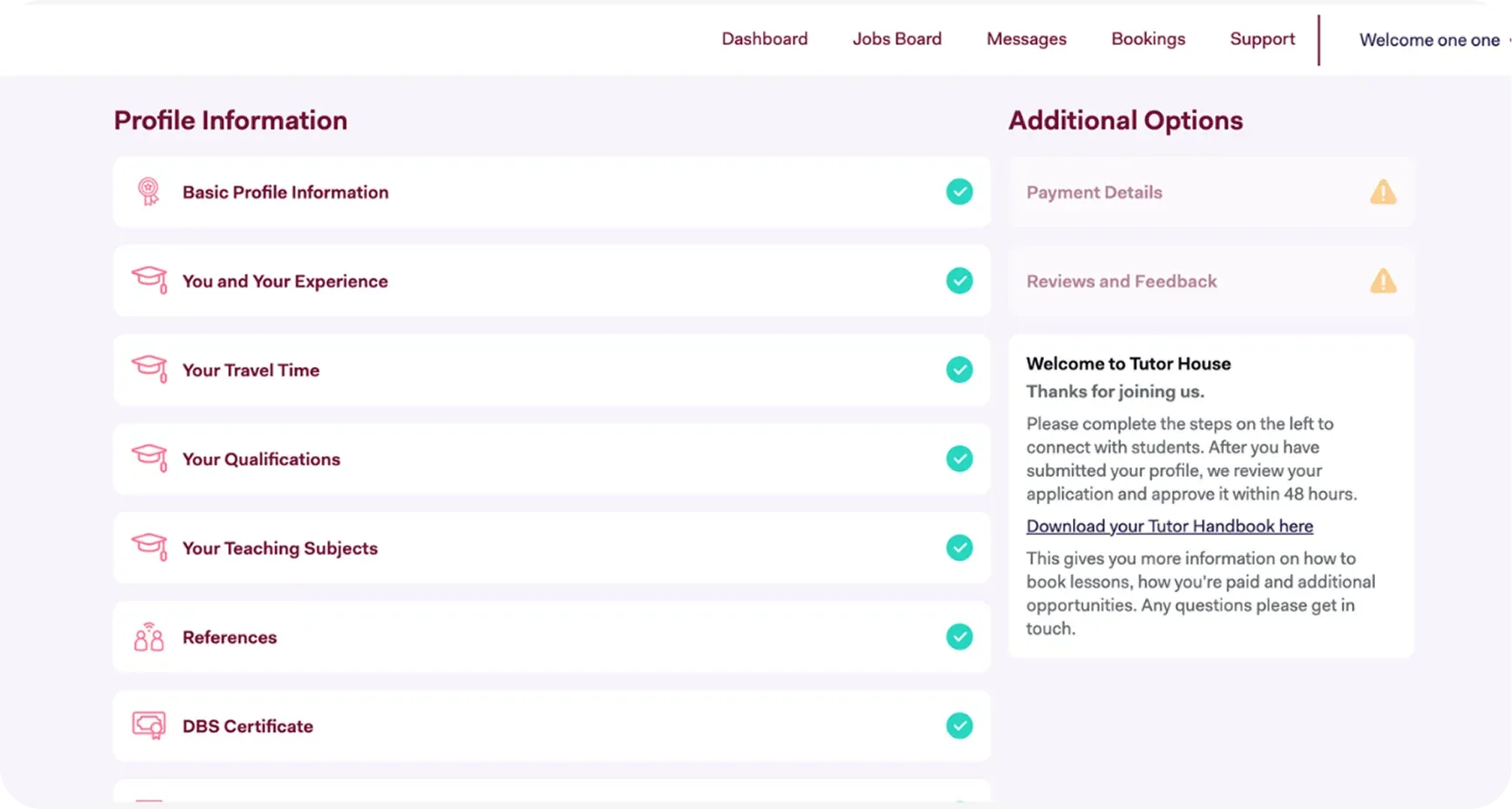
Profile Page
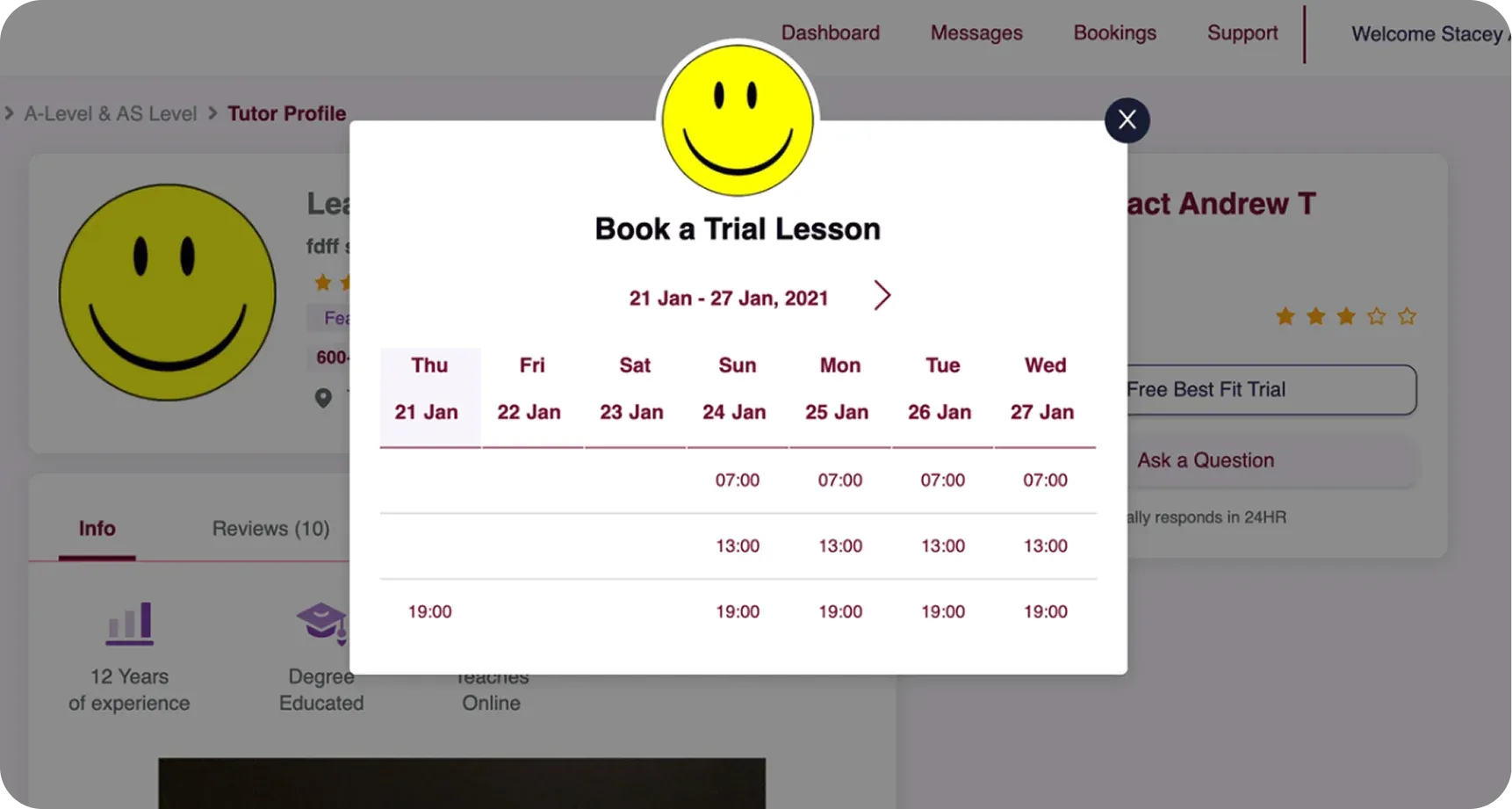
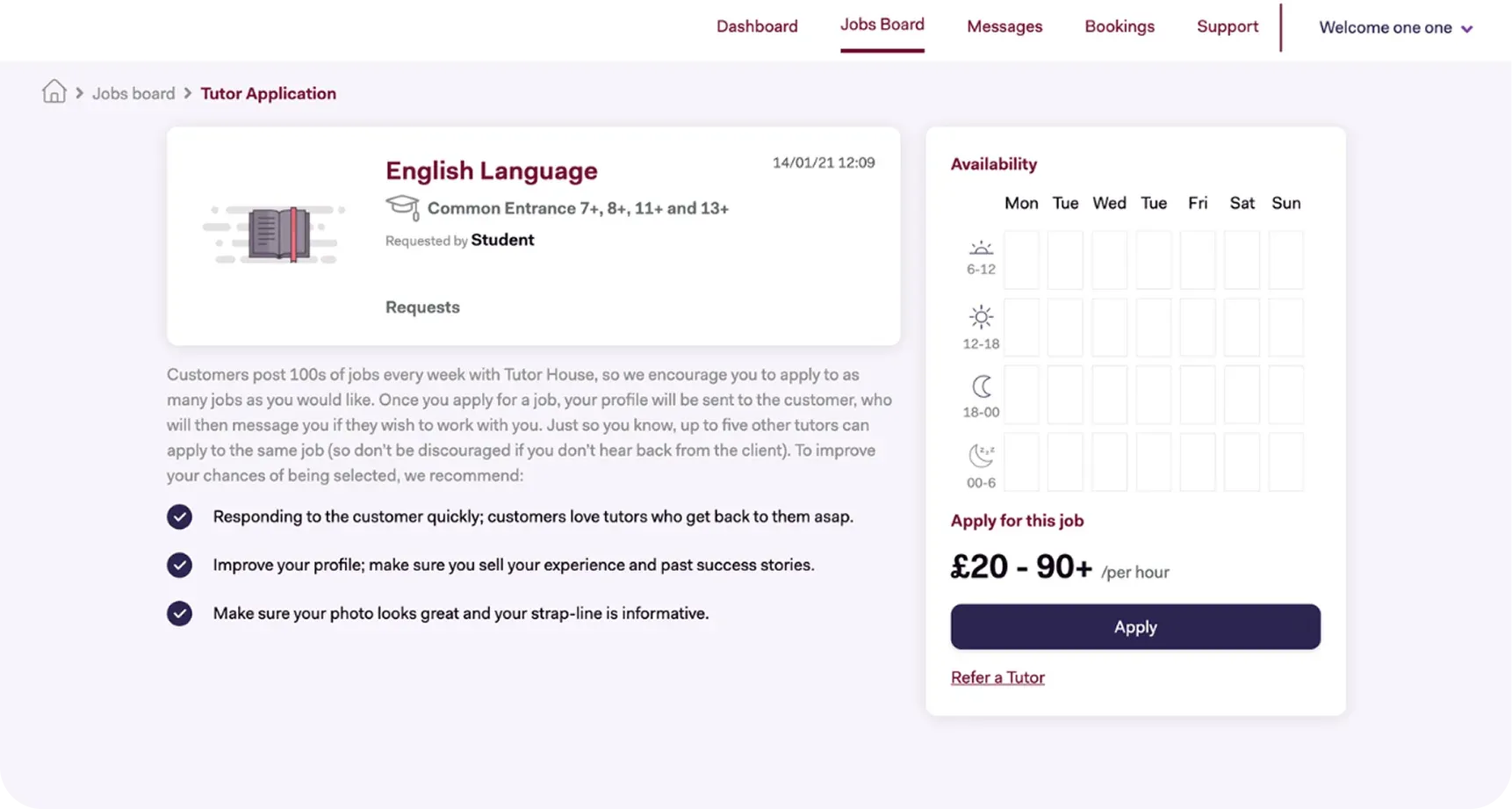
After a quick registration, which can be done via social networks or a Google account, you go to your personal profile page. This is where all the necessary personal information is listed, along with a schedule and message history. You’ll be notified about every new message with a live-chat indicator in the lower right corner of the screen. If you have questions, you can find the answer in the Support section.
INSIDE THE PROJECT
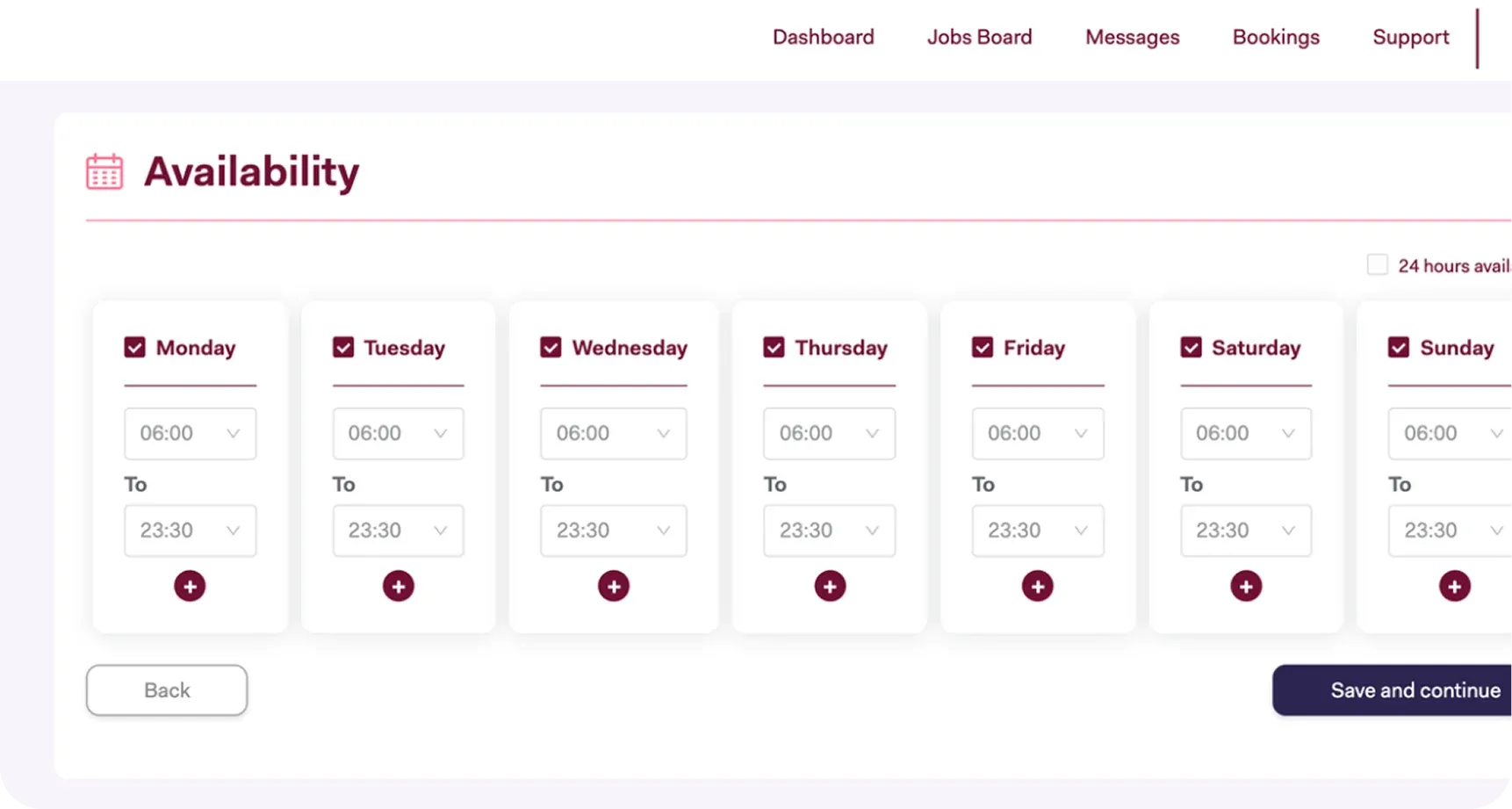

Get in touch!
Let's discover how we can help you reach your goals.

