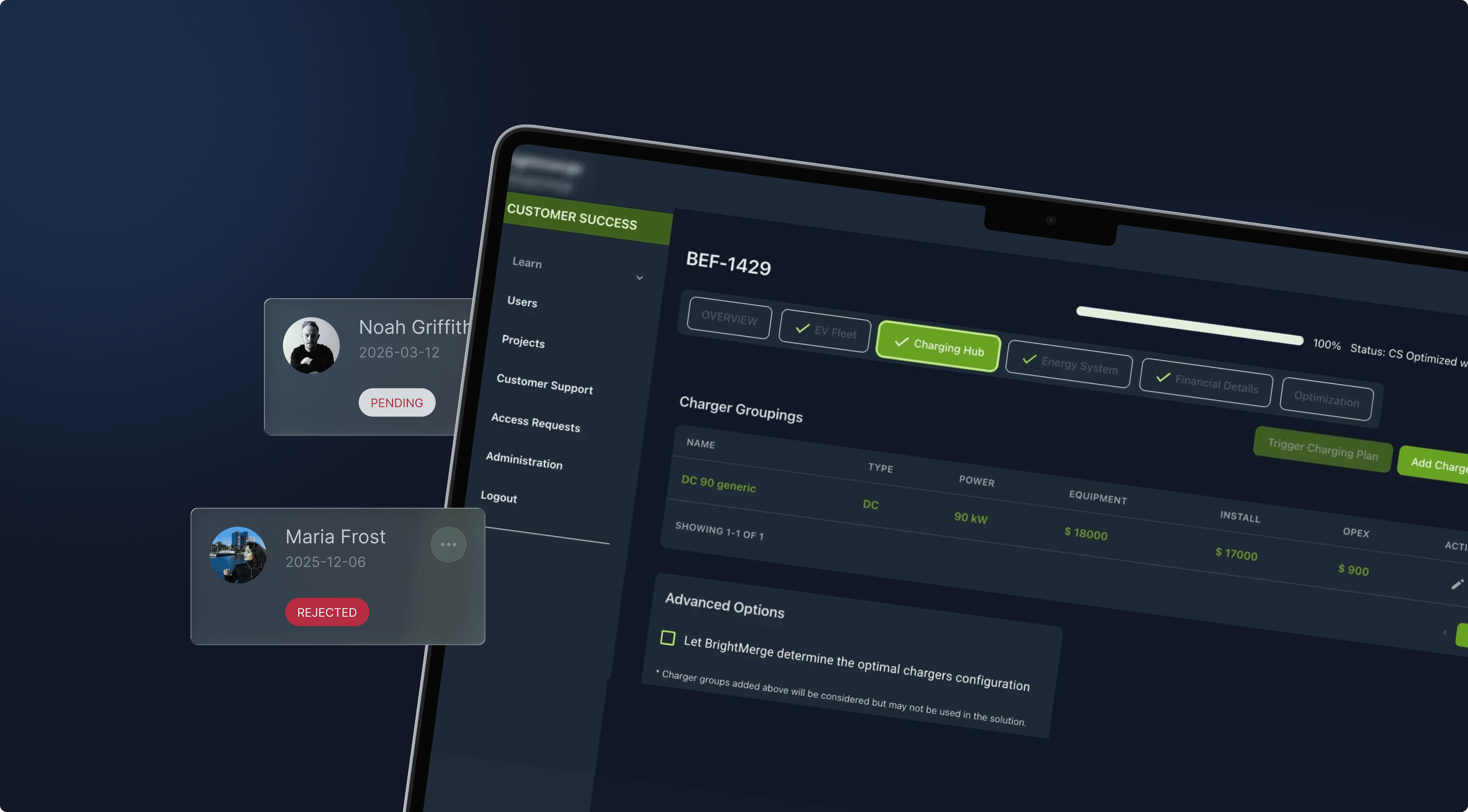
Guided Project Setup
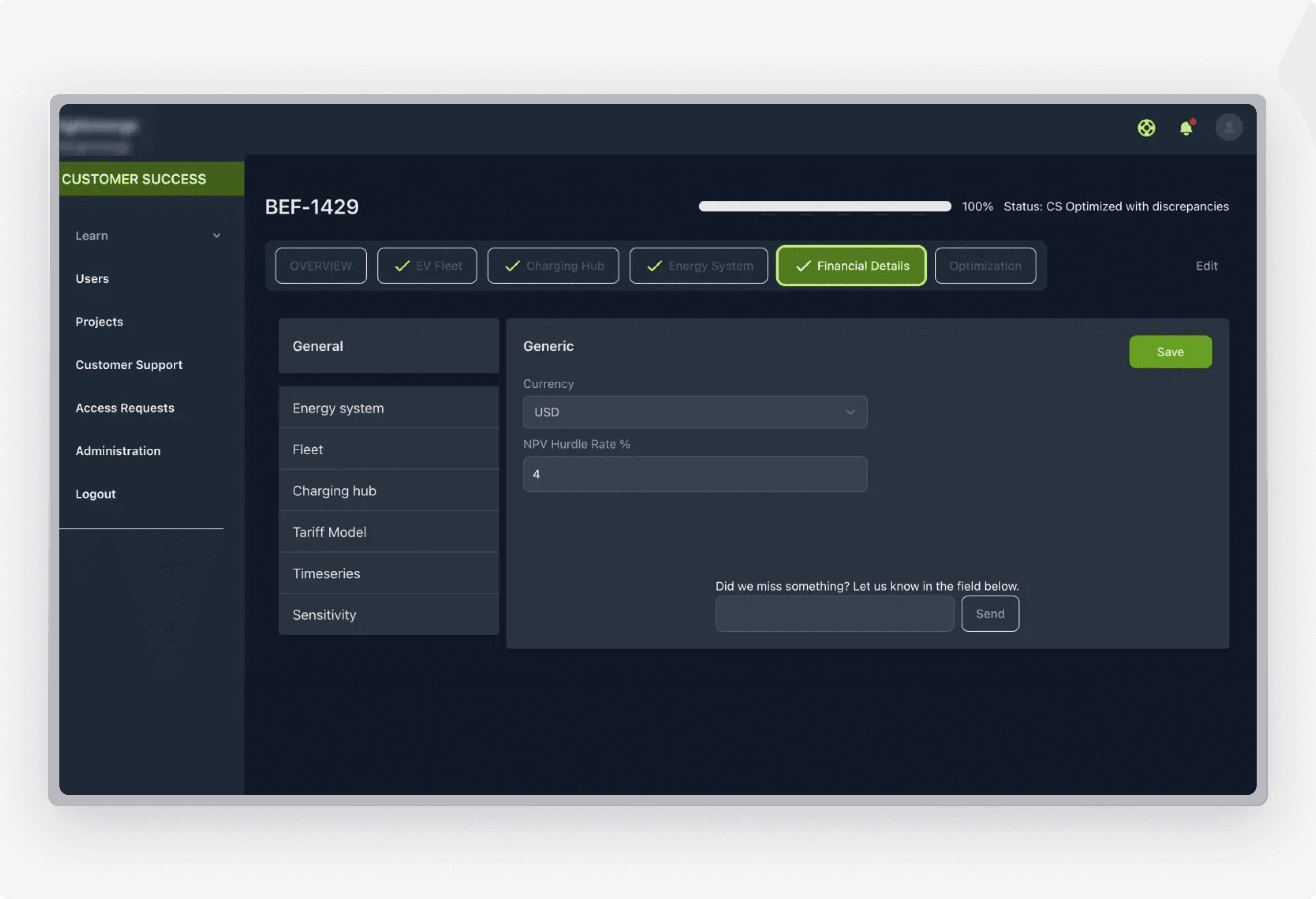
Every optimization starts here, where users create a project and supply the information the engine needs. Each project then stays visible in a single overview with its current status.
- Project creation capturing all inputs required for optimization
- Streamlined overview of every ongoing project
- Optimization status tracked per project
- Direct management of project details
Optimization Engine
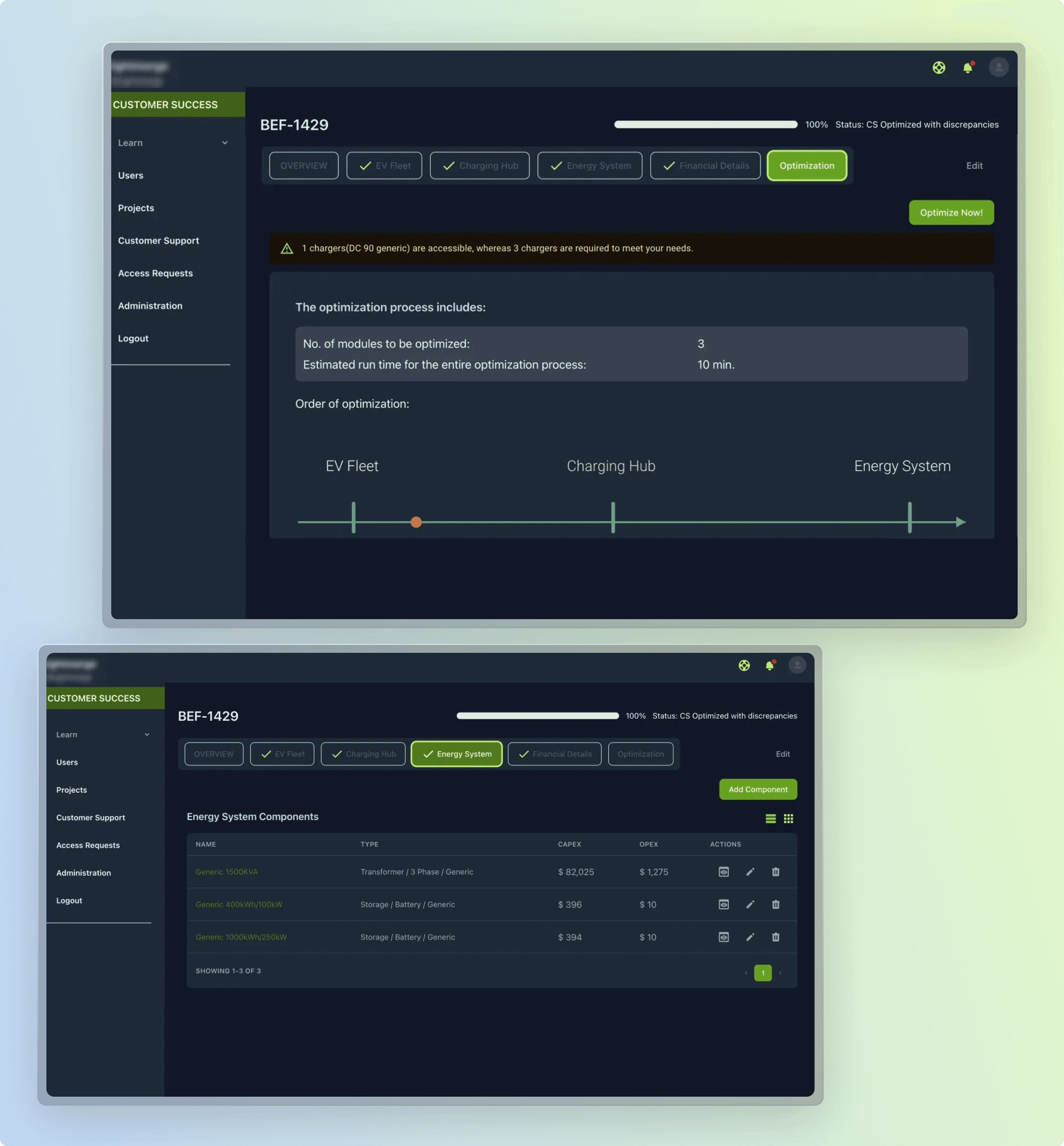
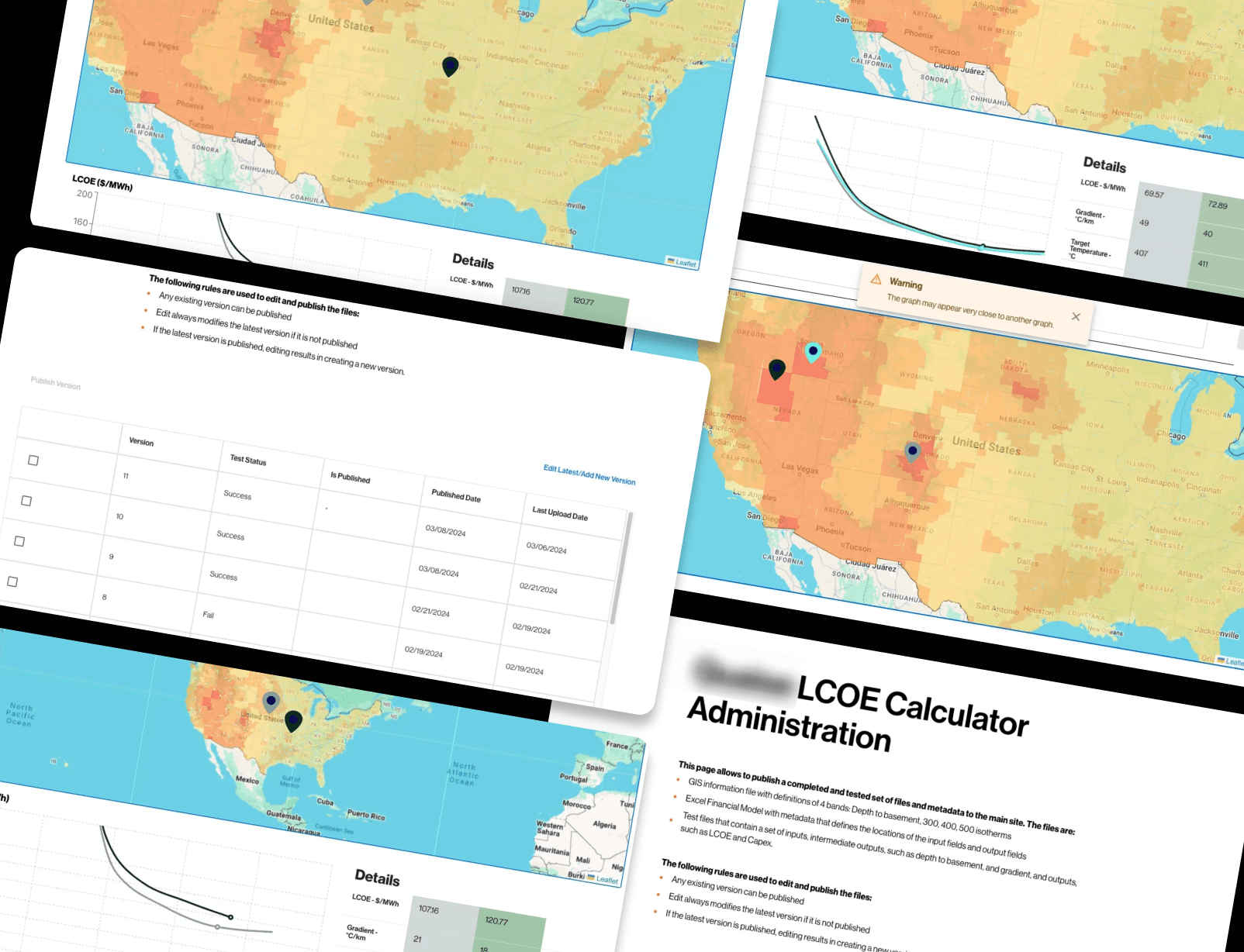
The core of the platform, where project parameters are tuned to maximize energy and cost efficiency. Advanced algorithms process the inputs and return an optimized result.
- Drill into project details to refine setup
- Fine-tune parameters for energy and cost efficiency
- Algorithm-driven engine targeting maximum savings
- Performance and savings optimized per project
Multi-Role Administration
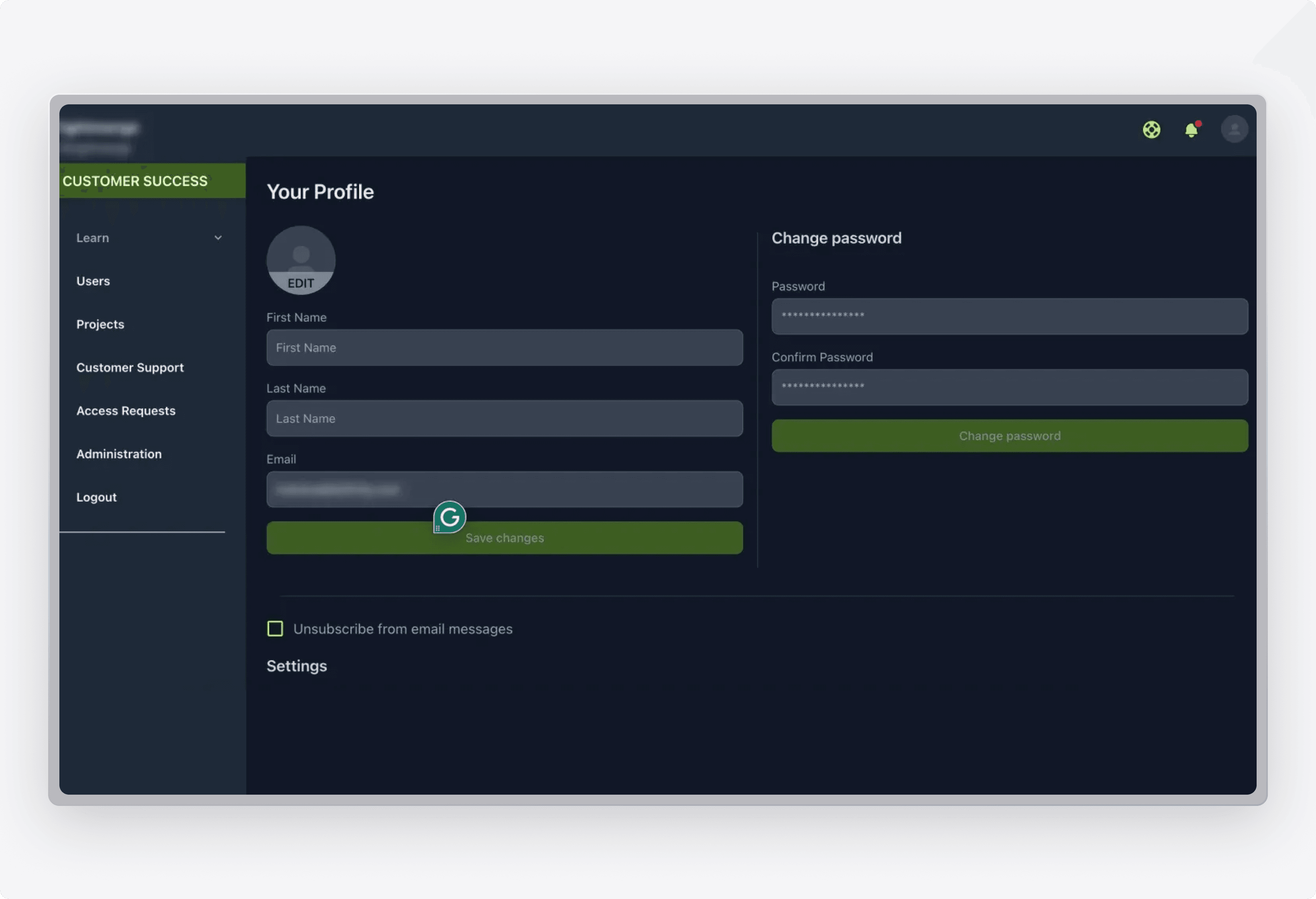
Administrators work above individual accounts, with reach across every user and project. The role carries the elevated permissions that keep the platform running.
- Broader functional scope beyond a standard user
- View and edit projects across all users
- User account management
- Permissions that keep platform operation smooth
User Directory
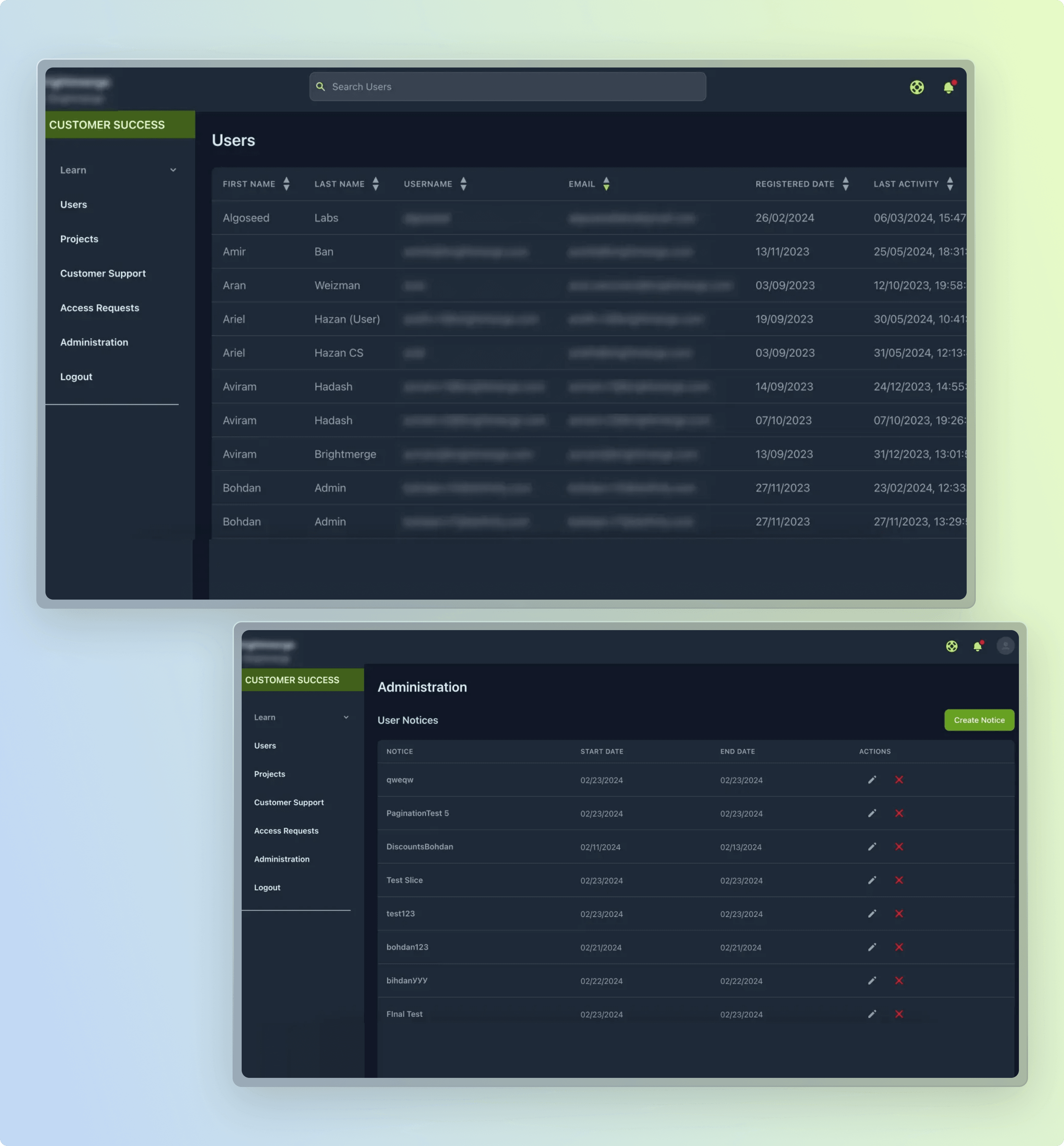
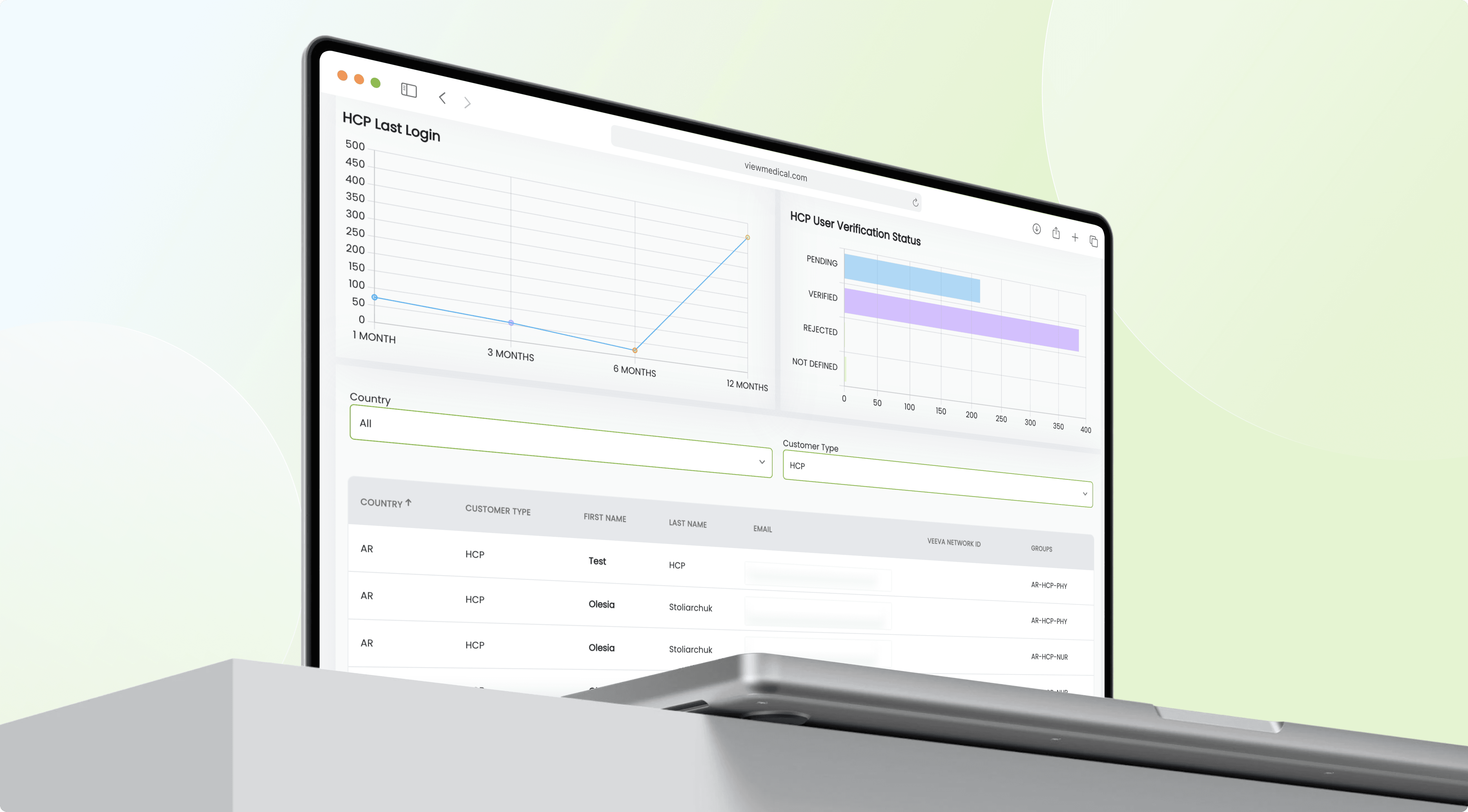
A central register of everyone on the platform, built for oversight at scale. It shows who each user is and how recently they were active, all in one sortable view.
- Full directory with first name, last name, username, and email
- Sortable columns across every field
- Registration date and last activity per user
- Search to filter the user list
Access Approvals
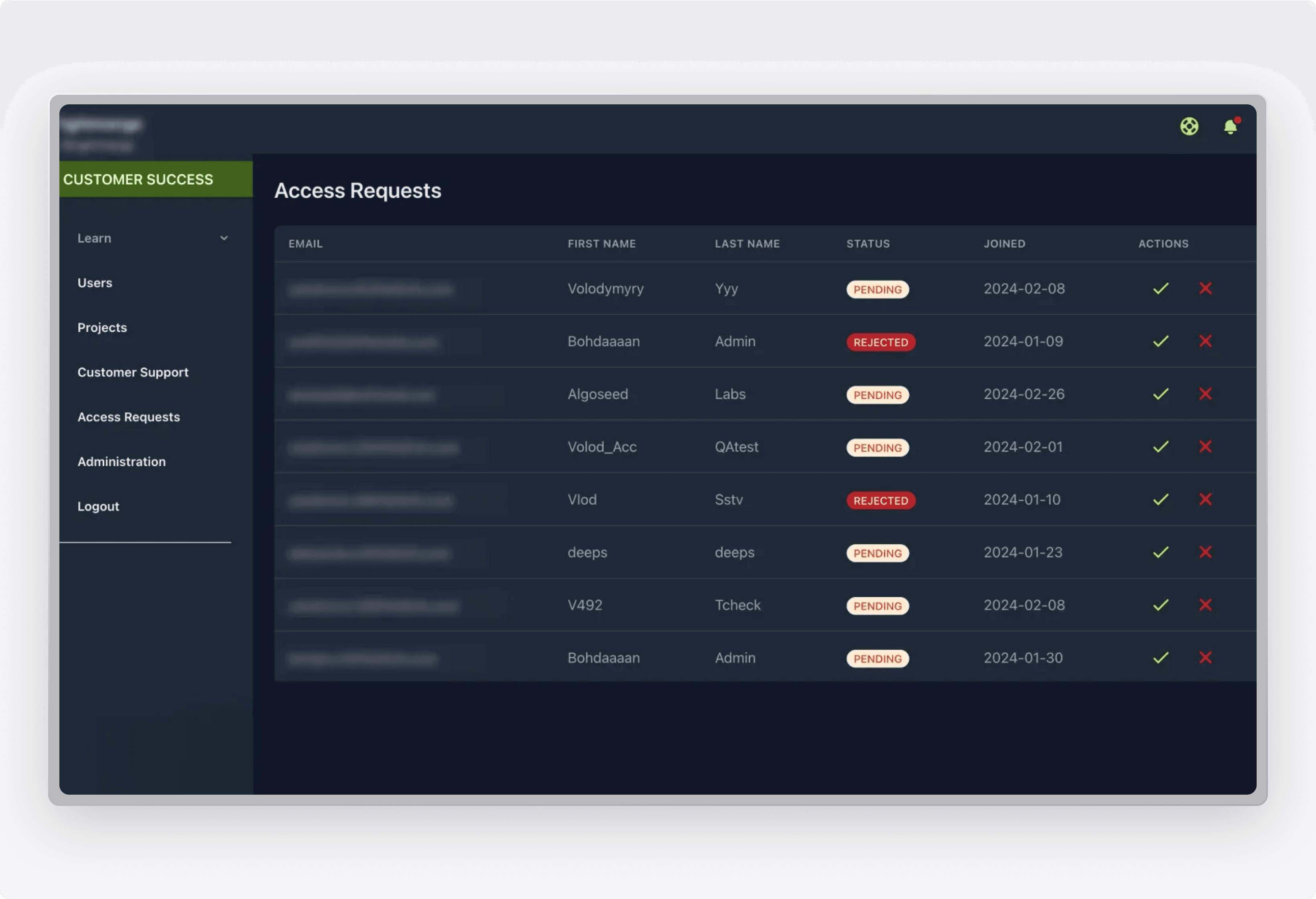
A gated entry point where an admin grants or refuses new platform access. Requests wait in a queue and hold a clear status until they are actioned.
- Approval queue for incoming access requests
- Approve or reject each request in one action
- Pending and rejected status shown per request
- Request details including email, name, and join date